Epson
Epson TM-L90 Plus Thermal Label & Receipt Printer – NEOTECH® UAE
Epson TM-L90 Plus Thermal Label & Receipt Printer – NEOTECH® UAE
Couldn't load pickup availability
Direct Thermal Printing for Labels, Receipts & Business Applications
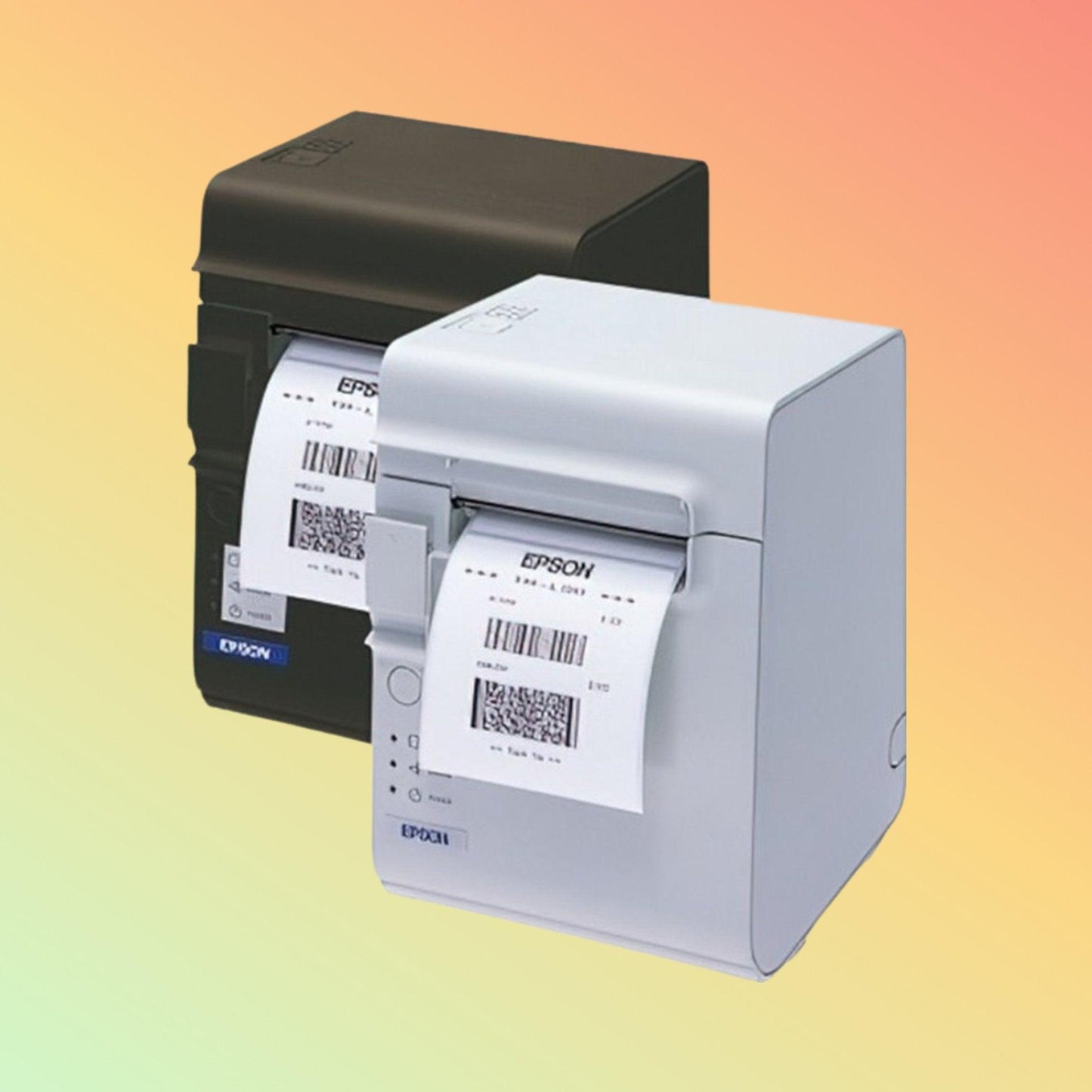
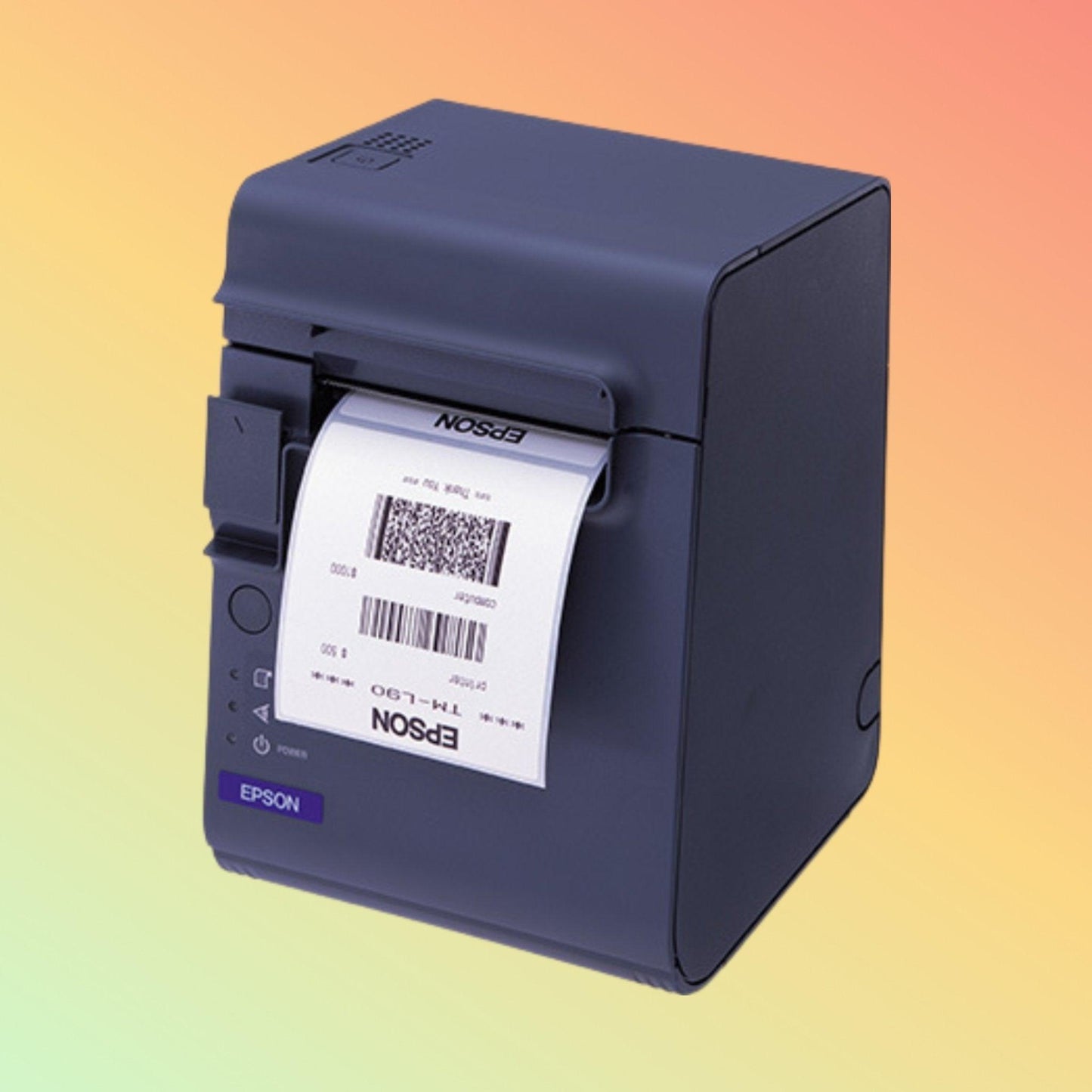
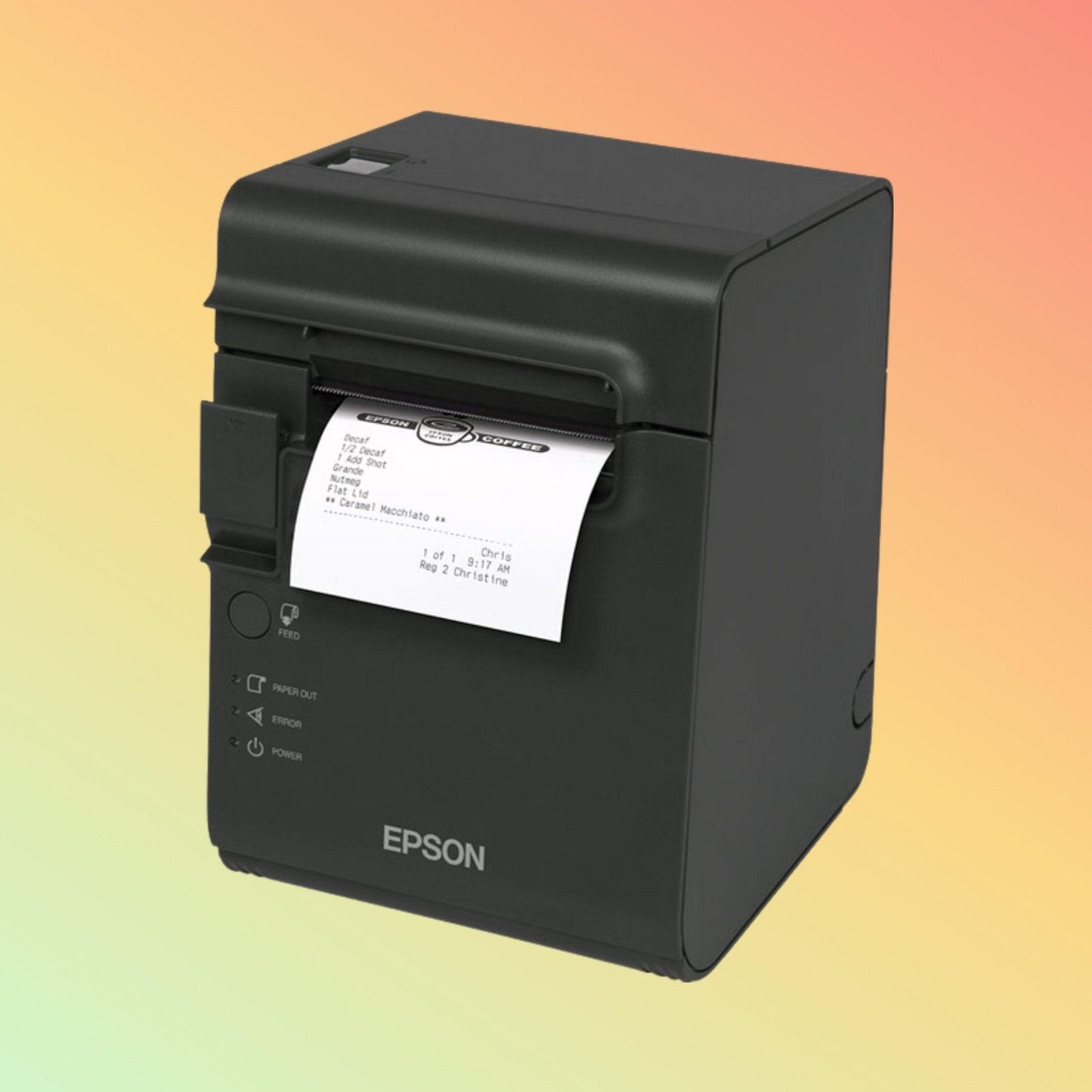
The Epson TM-L90 Plus Thermal Printer is a direct thermal printer designed for printing receipts, labels and tags in retail, hospitality, healthcare, logistics and transportation environments.
Depending on the printer configuration and media used, the TM-L90 Plus may support compatible liner-free label applications as well as traditional thermal receipt printing. Its compact design and multiple interface options allow integration with compatible POS and business systems.
Key Features
✔ Direct thermal printing technology
✔ Supports thermal receipt and label printing
✔ Compatible with selected liner-free thermal media (model and media dependent)
✔ Print speed up to 150 mm/sec (approximately 4 inches/sec)
✔ 203 dpi print resolution
✔ Supports media widths up to approximately 80 mm (3 inches)
✔ USB connectivity
✔ Ethernet and Serial interface options available on selected models
✔ Compact desktop design
✔ Suitable for retail, hospitality, logistics and healthcare environments
Technical Specifications
- Brand: Epson
- Model: TM-L90 Plus
- Printer Type: Direct Thermal Label & Receipt Printer
- Printing Method: Direct Thermal
- Print Resolution: 203 dpi
- Maximum Print Speed: Up to 150 mm/sec
- Maximum Media Width: Up to approximately 80 mm (3 inches)
- Supported Media: Compatible thermal receipt paper and thermal label media
- Interfaces: USB
- Optional Interfaces: Ethernet, RS-232 Serial (depending on model configuration)
- Approximate Dimensions: 140 × 200 × 147 mm (may vary by configuration)
- Approximate Weight: 1.9 kg
Applications
The Epson TM-L90 Plus is suitable for:
- Retail receipt printing
- Retail price labels
- Promotional labels
- Food order labels
- Kitchen order printing
- Pharmacy labels
- Healthcare identification labels
- Shipping labels
- Queue tickets
- Hospitality receipt printing
- Transportation ticket printing
Purpose of Use
The Epson TM-L90 Plus is designed for businesses that require reliable direct thermal printing of receipts, labels and tags using compatible thermal media and supported POS or business software.
Compatibility
The printer may be compatible with supported Epson printer drivers and POS software.
Typical operating system support may include:
- Windows
- macOS
Additional operating system compatibility depends on Epson driver availability and application software.
Software compatibility should always be verified before deployment.
Software, Drivers, Manuals & Video Support
Where available, this product page may include:
- Epson Printer Driver
- Epson Utility Software
- User Manual
- Installation Guide
- Firmware Updates
- Product Videos
- Setup Instructions
Software and firmware availability depends on Epson support resources for the specific printer model.
Package Contents
Package contents may vary depending on supplier or regional configuration.
Typical package may include:
- Epson TM-L90 Plus Printer
- External Power Adapter
- Power Cable
- USB Cable (where supplied)
- Product Documentation
Please confirm package contents before purchase if specific accessories are required.
Delivery — UAE
Service Area: United Arab Emirates
Order Cut-Off: 2:00 PM GST
Handling Time: 1–2 business days (when stock is available)
Transit Time: 3–5 business days within UAE
For internationally sourced products or special-order items, delivery time will be confirmed after order verification.
Why Choose NEOTECH® UAE
✔ Transparent product information and sourcing communication
✔ UAE-based technical assistance
✔ Support for POS, barcode, RFID, kiosk and automation hardware
✔ Clear return and refund policy
✔ Business-focused supply solutions
✔ Product selection and compatibility guidance
Frequently Asked Questions
Q: What is the Epson TM-L90 Plus used for?
A: It is designed for direct thermal printing of receipts, labels and tags in retail, hospitality, healthcare, logistics and transportation applications.
Q: Can the TM-L90 Plus print both receipts and labels?
A: Yes. The printer supports compatible thermal receipt paper and compatible thermal label media.
Q: Does this printer require ink or toner?
A: No. The TM-L90 Plus uses direct thermal printing technology and prints on compatible thermal media.
Q: Does the printer support liner-free labels?
A: Certain TM-L90 Plus configurations support compatible liner-free media. Media compatibility should be confirmed before purchase.
Q: Which interfaces are available?
A: USB is commonly available. Ethernet and Serial interfaces may be available depending on the specific model configuration.
Q: Can the printer be integrated with POS software?
A: Many POS applications support Epson thermal printers. Compatibility depends on the operating system, printer driver and software used.
Q: Can NEOTECH® UAE assist with compatibility?
A: Yes. We can assist customers in identifying suitable hardware, software and interface requirements before purchase.
Helpful Internal Links
Shipping Policy
https://neotech.ae/policies/shipping-policy
Returns Policy
https://neotech.ae/policies/refund-policy
Warranty & Repair
https://neotech.ae/pages/warranty-amp-repair-policy
Learning Center
https://neotech.ae/blogs/learning-center
Contact NEOTECH® UAE
Operated by NEOLYN TECHNOLOGY LLC
Bur Dubai, Dubai
United Arab Emirates
Email: support@neotech.ae
Disclaimer - NEOTECH® UAE
Product specifications, interface options, software availability, supported media, package contents and compatibility information may vary depending on manufacturer updates, regional configuration or model revision. Images are provided for illustration purposes only. Please verify specifications, software compatibility, interface configuration and availability before making your purchasing decision. All third-party trademarks, product names and logos remain the property of their respective owners. NEOTECH® UAE is an independent technology supplier and does not claim official authorization, endorsement or manufacturer affiliation unless expressly stated and supported by appropriate documentation.
Last Updated: 4 July 2026 (GST, UTC+4)