SEWOO
Sewoo LK-B30II 4-Inch Direct Thermal Barcode Label Printer | NEOTECH® UAE
Sewoo LK-B30II 4-Inch Direct Thermal Barcode Label Printer | NEOTECH® UAE
Couldn't load pickup availability
Compact 4-Inch Desktop Barcode Label Printing for Retail, Logistics, Healthcare and Manufacturing Applications.
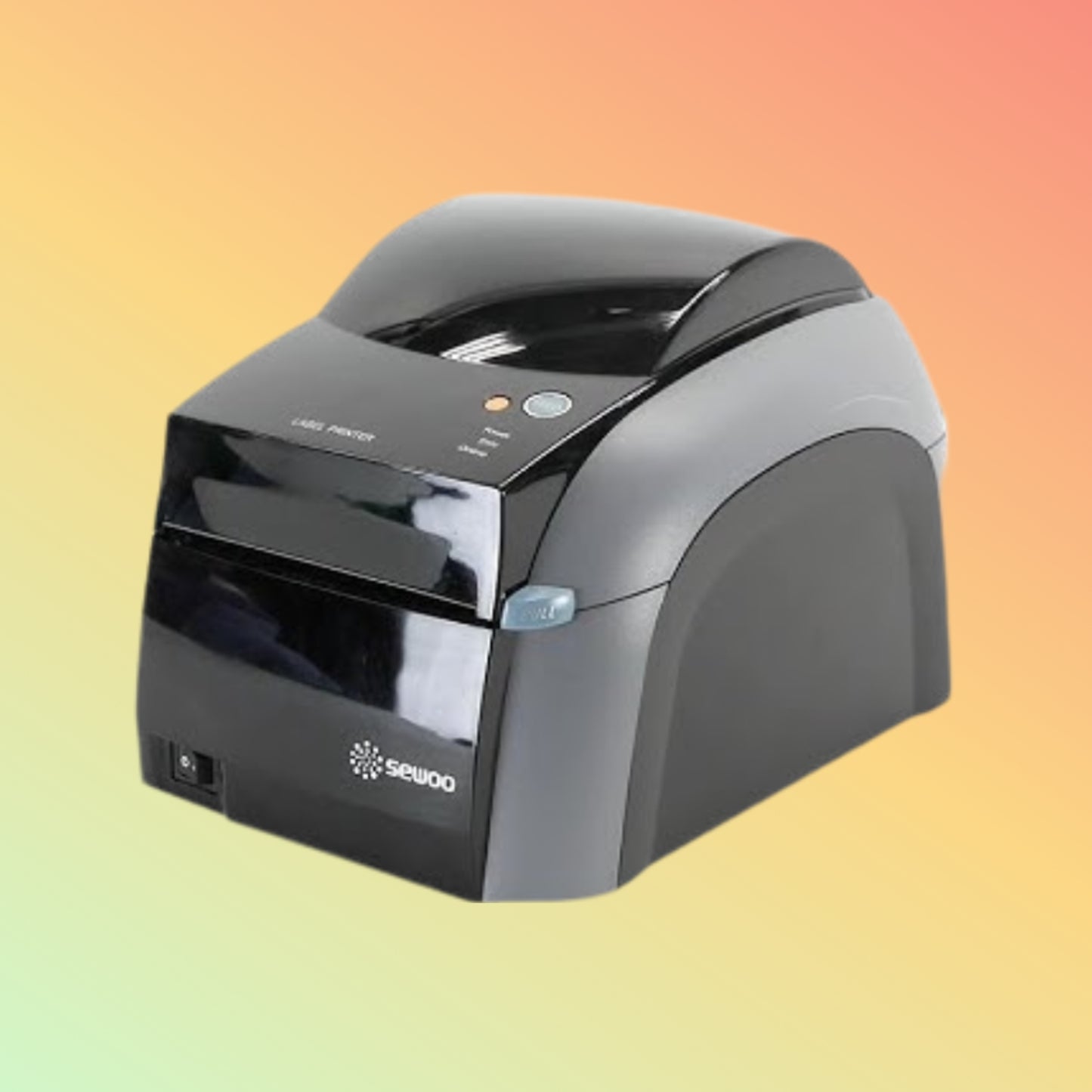
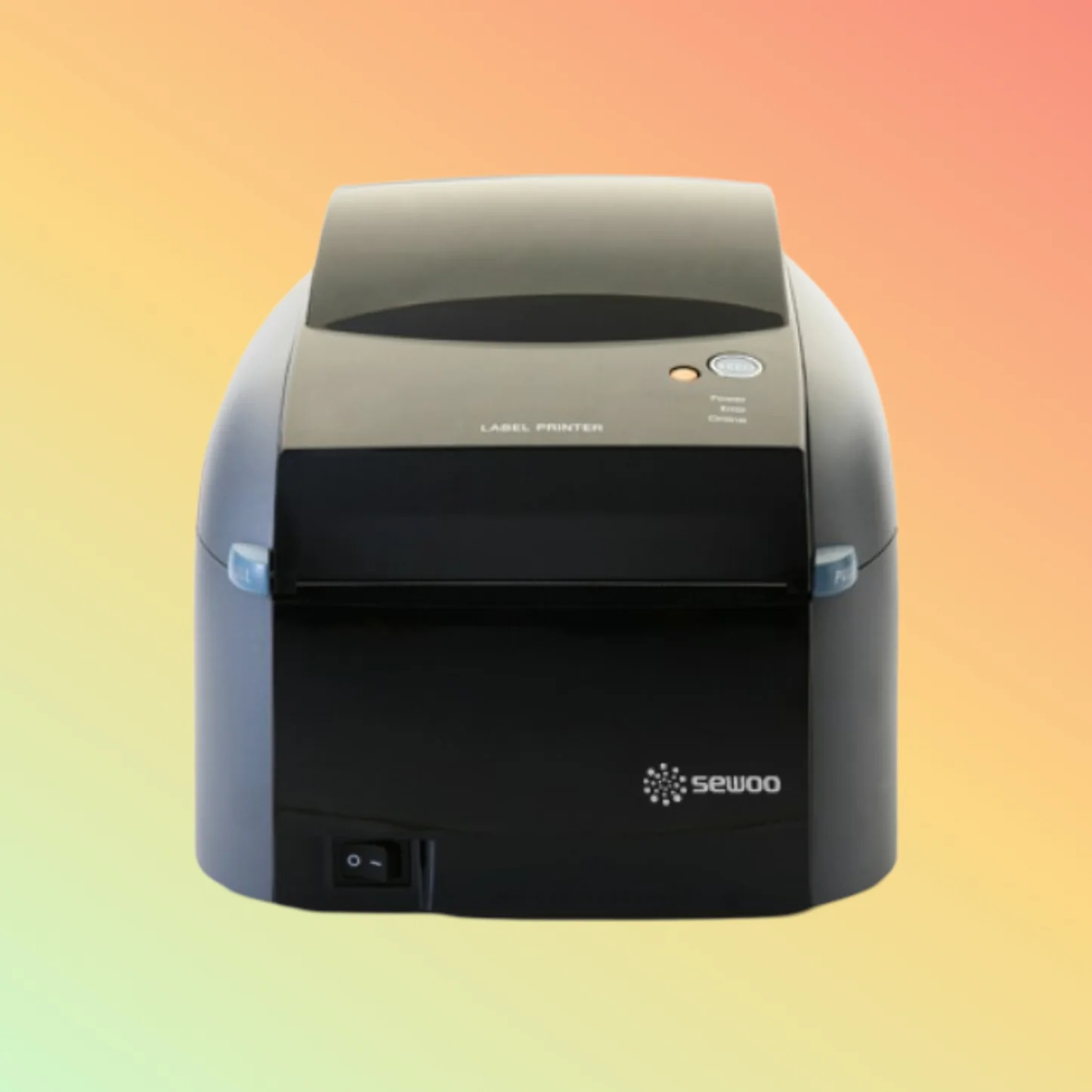
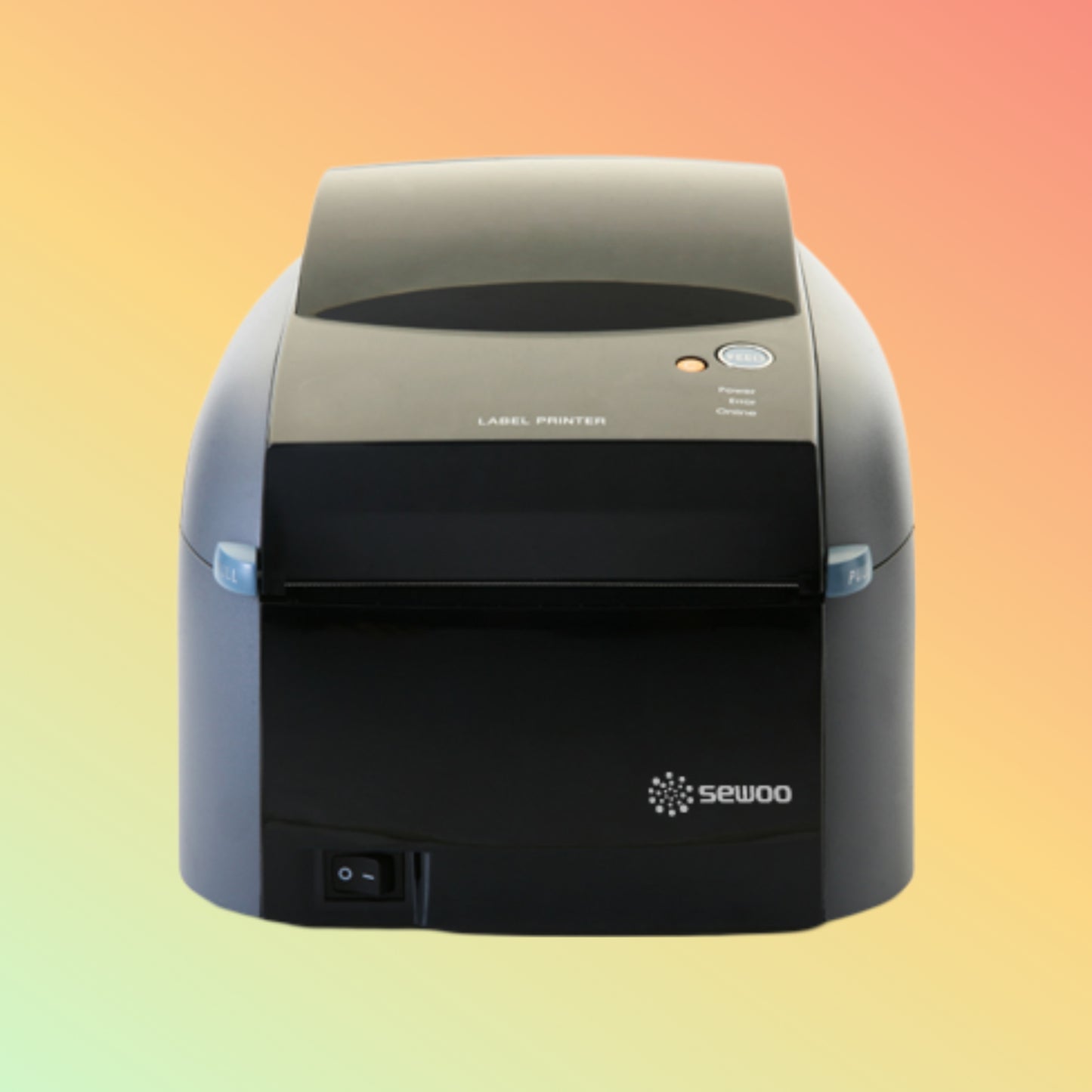
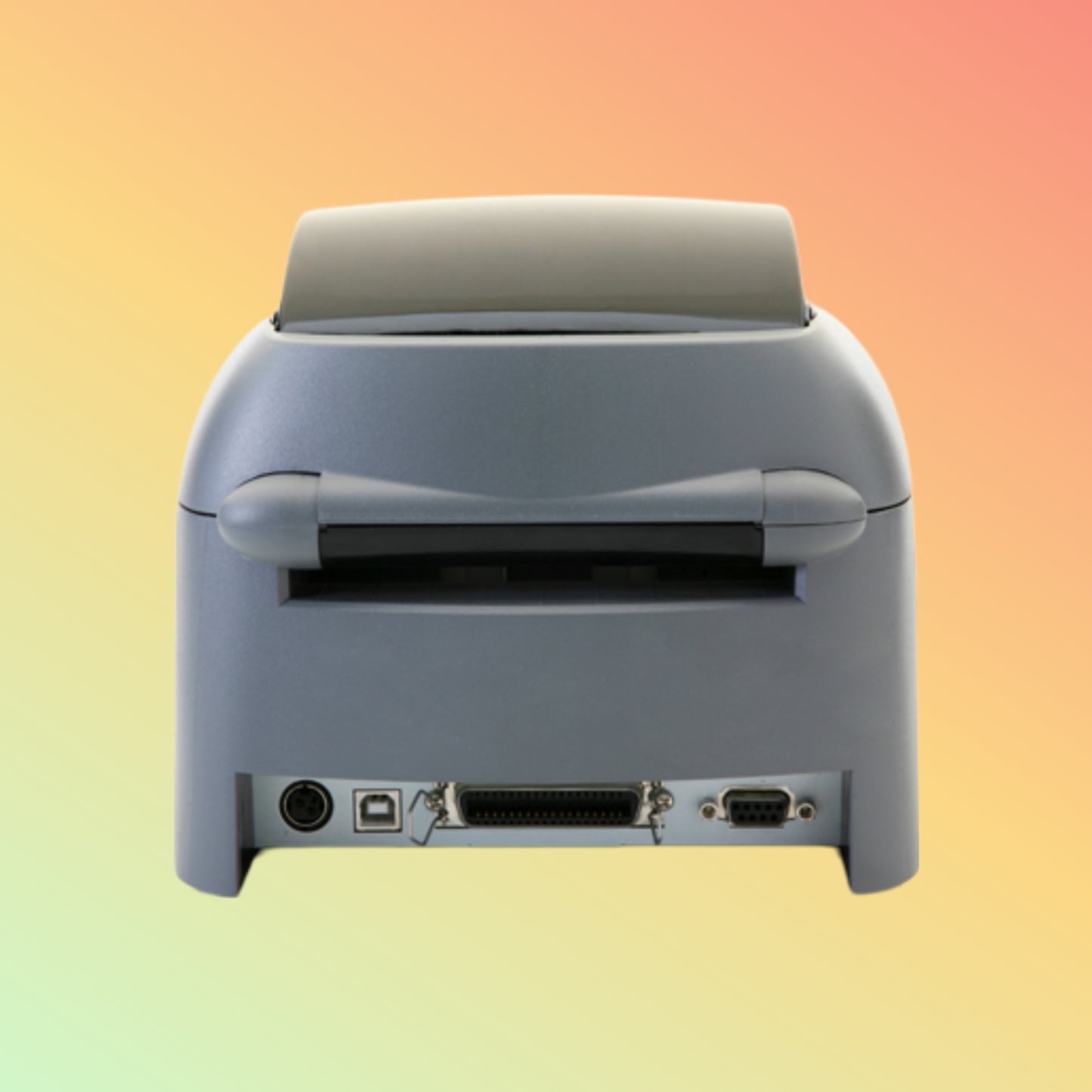
The Sewoo LK-B30II is a compact desktop 4-inch direct thermal barcode label printer designed for business environments that require reliable barcode and label printing. Supporting print speeds of up to 152 mm/sec, adjustable media widths, and standard USB, Serial (RS-232C) and Ethernet interfaces, it is suitable for shipping labels, inventory management, healthcare identification, manufacturing labels and retail applications.
The printer supports EPLII and ZPLII command languages for compatibility with many existing barcode printing systems.
Key Features
✔ Direct thermal barcode label printing
✔ Print speeds up to 152 mm/sec
✔ 203 DPI print resolution
✔ Maximum print width up to 104 mm
✔ Adjustable media width from 18–118 mm
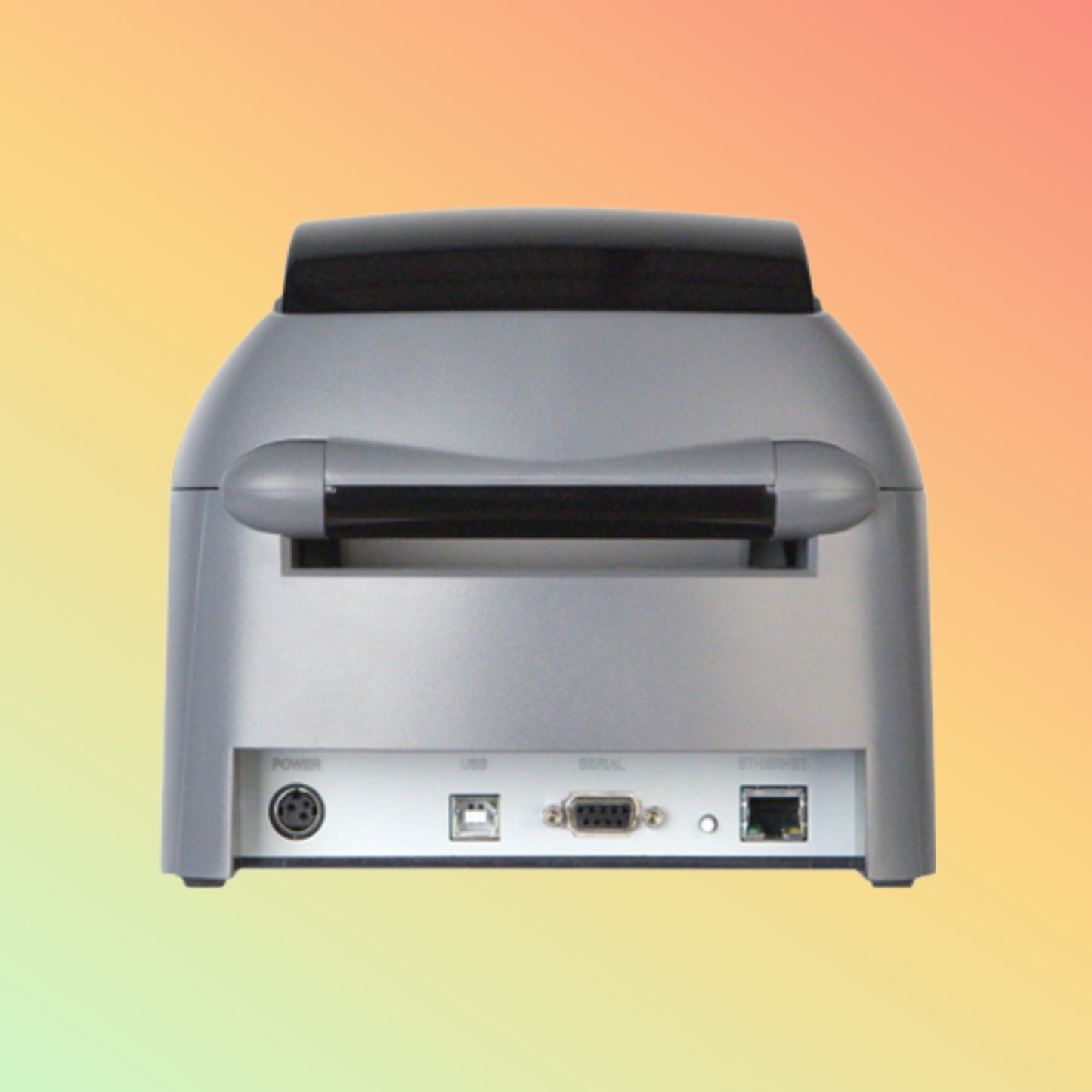
✔ USB, RS-232C Serial and Ethernet connectivity
✔ Optional Wi-Fi and Bluetooth (model dependent)
✔ EPLII and ZPLII command compatibility
✔ Compact desktop design
Technical Specifications
- Brand: Sewoo
- Model: LK-B30II
- Product Type: Desktop Barcode Label Printer
- Printing Method: Direct Thermal
- Resolution: 203 DPI (8 dots/mm)
- Maximum Print Speed: Up to 152 mm/sec
- Maximum Print Width: Up to 104 mm (4.1")
- Media Width: 18–118 mm
- Maximum Roll Diameter: Ø25.4–127 mm
- Interfaces: USB, RS-232C Serial, Ethernet
- Optional Connectivity: Wi-Fi / Bluetooth (depending on configuration)
- Supported Printer Languages: EPLII, ZPLII
- Operating Systems: Windows, Linux, macOS
- Dimensions: 190 × 254 × 169 mm
- Weight: Approximately 2 kg
- Condition: New
Applications
Suitable for:
- Transportation and logistics
- Shipping labels
- Warehouse inventory
- Healthcare identification
- Manufacturing labels
- Asset management
- Retail barcode labels
- Product identification
Purpose of Use
The Sewoo LK-B30II is intended for organisations that require dependable barcode and shipping label printing using standard desktop media sizes and common barcode printer command languages.
Delivery — UAE
Service Area: United Arab Emirates
Order Cut-Off: 2:00 PM GST
Handling Time: 1–2 business days (when stock is available)
Transit Time: 3–5 business days
Estimated Delivery: 4–7 business days
For special-order or internationally sourced products, delivery time will be confirmed after order verification.
Why Choose NEOTECH® UAE
✔ Transparent product information and sourcing communication
✔ UAE-based technical assistance
✔ Support for barcode, POS, RFID and industrial printing hardware
✔ Clear shipping, warranty and return policies
✔ Business-focused hardware supply solutions
FAQ - Sewoo LK-B30II
Q: Does the Sewoo LK-B30II support USB and Ethernet?
A: Yes. Standard models include USB, RS-232C Serial and Ethernet interfaces. Optional Wi-Fi and Bluetooth depend on the selected configuration.
Q: What print resolution does the printer provide?
A: The printer provides a print resolution of 203 DPI.
Q: Which printer languages are supported?
A: The Sewoo LK-B30II supports EPLII and ZPLII command languages.
Q: Can I use my existing barcode label templates?
A: Existing templates may be compatible if they use supported printer drivers or EPLII/ZPLII commands. Compatibility should be verified before deployment.
Q: Are drivers and user manuals available?
A: Where available, NEOTECH® UAE provides links to manufacturer drivers, manuals and other technical resources to assist customers.
Helpful Internal Links
Shipping Policy
https://neotech.ae/policies/shipping-policy
Returns Policy
https://neotech.ae/policies/refund-policy
Warranty & Repair
https://neotech.ae/pages/warranty-amp-repair-policy
NEOTECH® Learning Center
https://neotech.ae/blogs/learning-center
Contact NEOTECH® UAE
Operated by NEOLYN TECHNOLOGY LLC
Bur Dubai, Dubai
United Arab Emirates
Email: support@neotech.ae
Disclaimer — NEOTECH® UAE
Product specifications, images, compatibility information, interface options and software support are provided for general reference only and may change without prior notice. Optional features depend on the selected model and manufacturer configuration. Please verify product specifications, compatibility and availability before purchase or installation.
Last Updated: 27 June 2026 (GST, UTC+4)