Zebra
Zebra DS9308 1D/2D Hands-Free Presentation Barcode Scanner | NEOTECH® UAE
Zebra DS9308 1D/2D Hands-Free Presentation Barcode Scanner | NEOTECH® UAE
Couldn't load pickup availability
Compact Zebra presentation imager for fast hands-free scanning of 1D and 2D barcodes from printed labels and compatible digital screens.
Product Overview
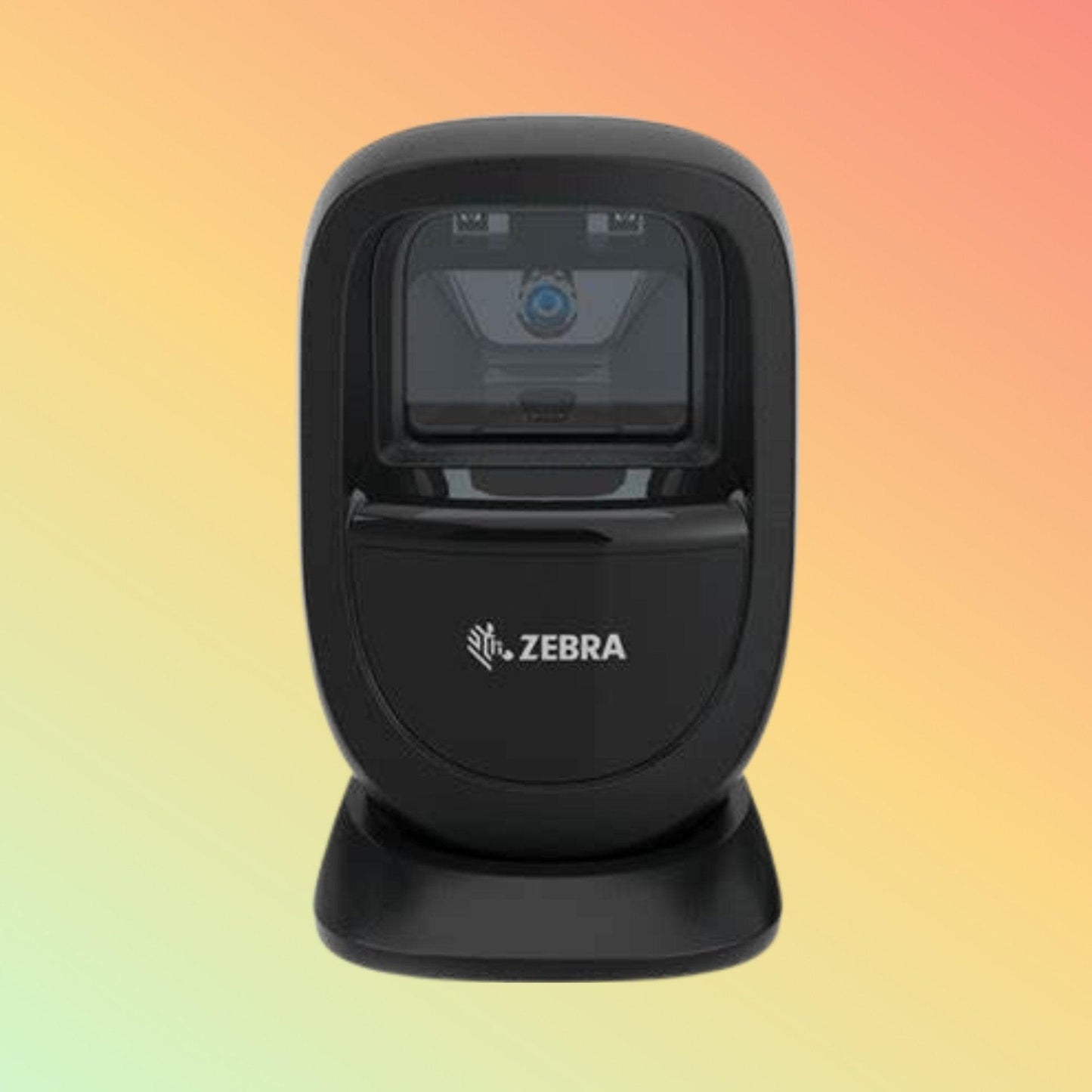
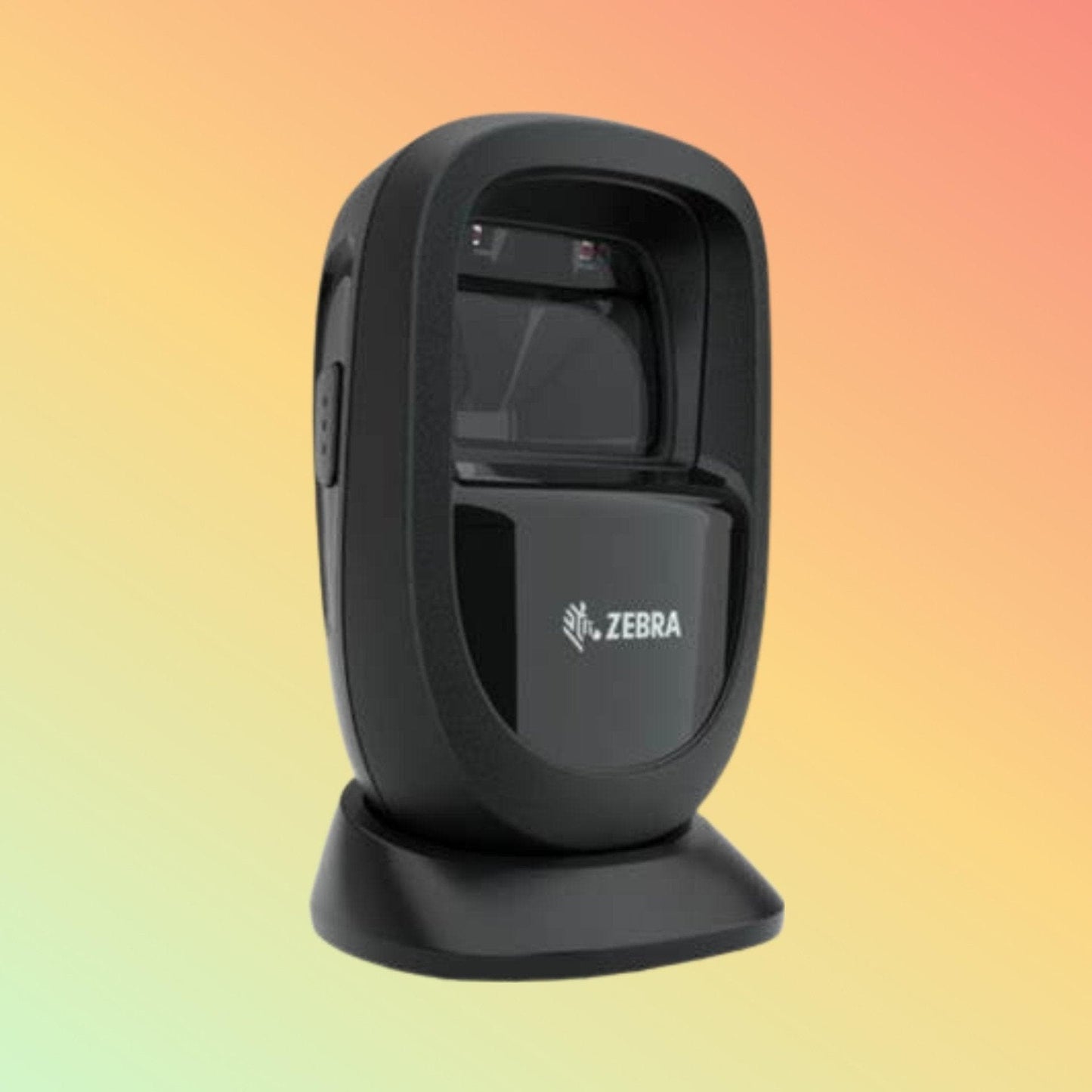
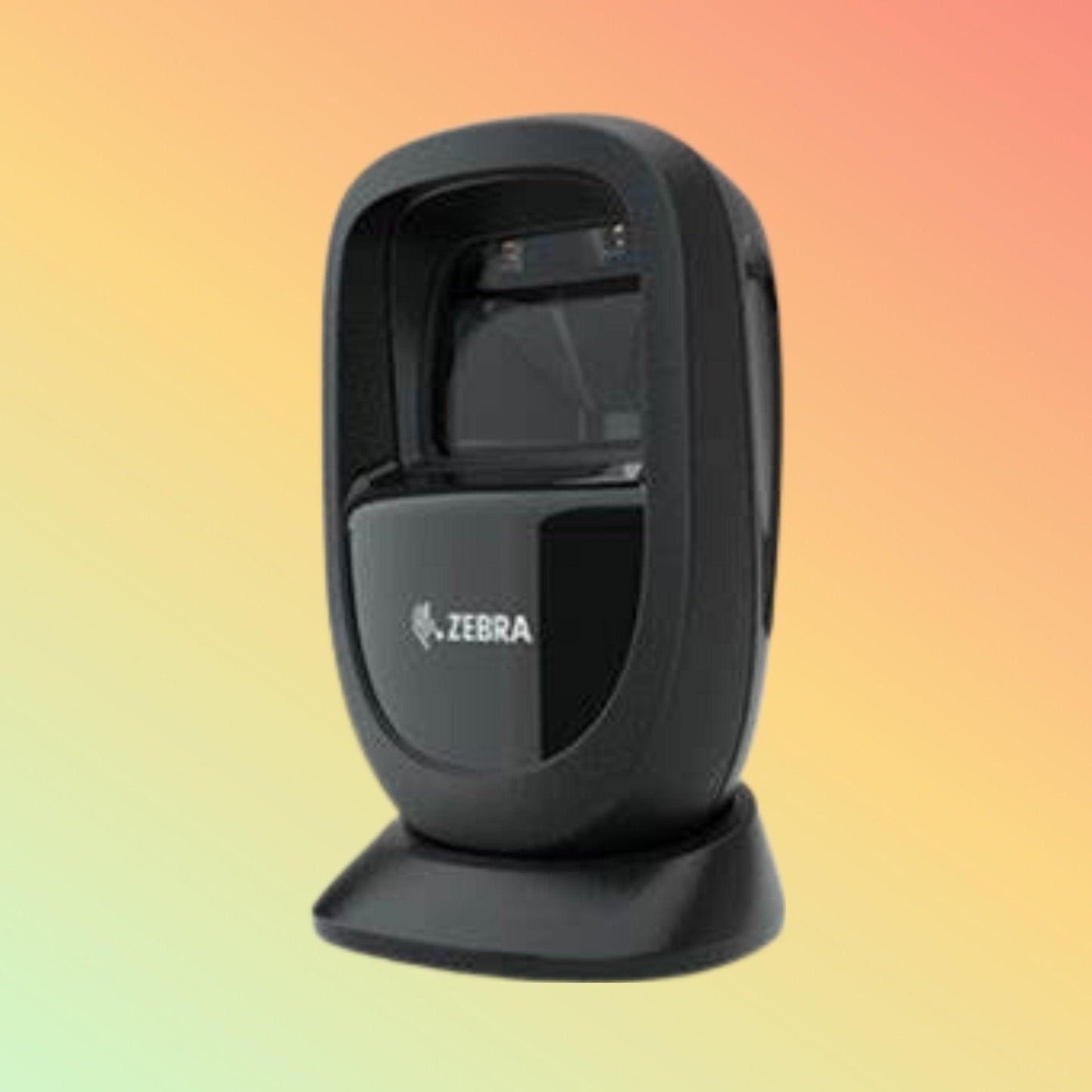
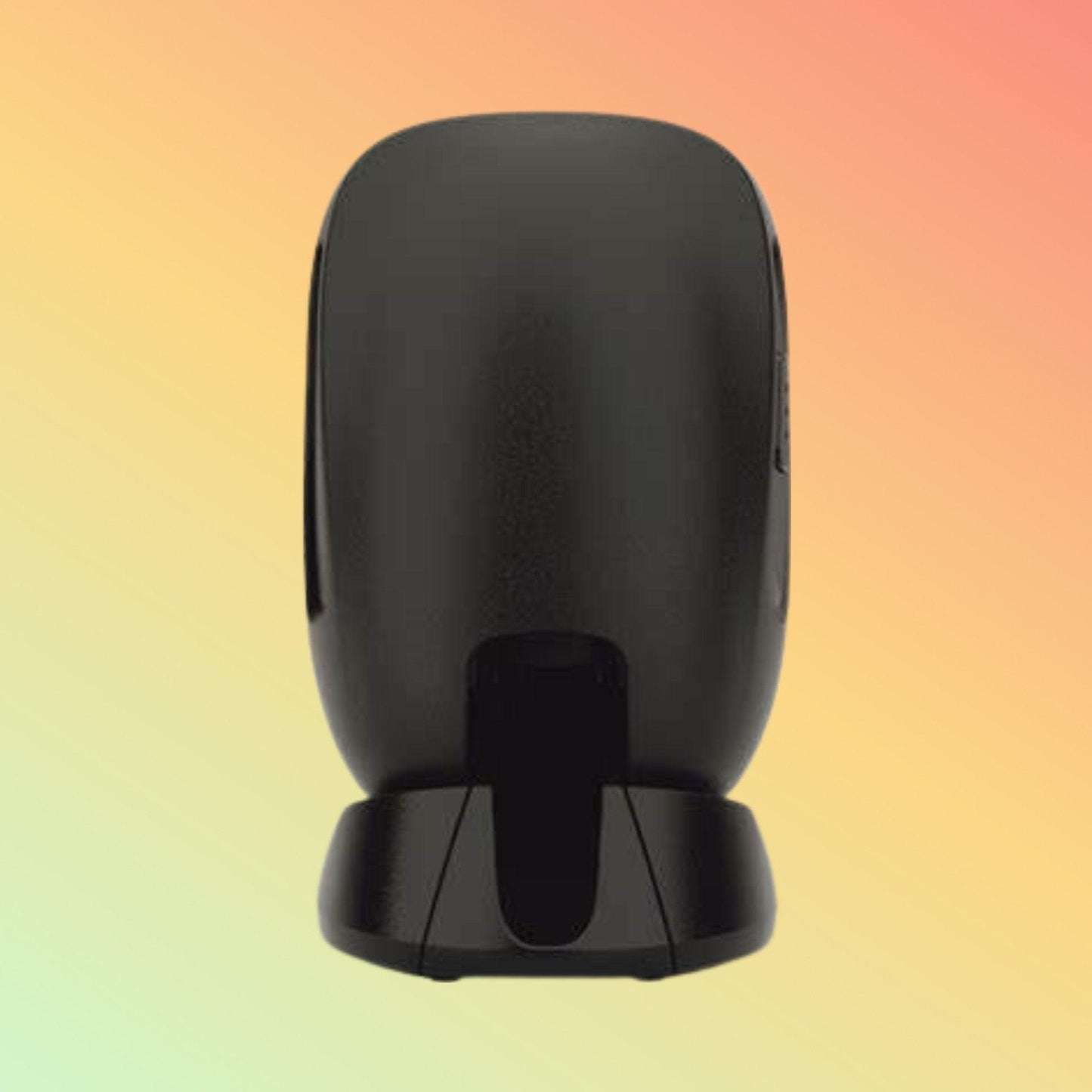
The Zebra DS9308 is a compact corded presentation barcode scanner from Zebra's DS9300 Series, designed for applications where fast, convenient hands-free scanning and limited counter space are important.
Rather than requiring the operator to pick up a scanner for every transaction, the DS9308 can operate as a presentation scanner: the user presents the barcode to the scanner for capture.
Its imaging system supports common 1D and 2D barcodes, including QR Code and Data Matrix, and can read compatible barcodes printed on labels or displayed on electronic screens.
The compact form factor makes the DS9308 particularly relevant to point-of-sale counters and other customer-facing scanning locations where available counter space may be limited.
Brand: Zebra Technologies
Model: DS9308
Series: DS9300 Series
Product Type: Corded Hands-Free / Presentation Barcode Scanner
Scanning Technology: Area Imager
Scan Capability: 1D and 2D
Learn First. Decide Second. Buy Only If It Is Right for Your Needs.
What Is the Zebra DS9308?
The DS9308 is a presentation imager.
A conventional handheld scanner is normally picked up, aimed at a barcode and triggered by the operator.
A presentation scanner can remain positioned on the counter while products, tickets, mobile devices or other compatible barcodes are presented within its scanning area.
This workflow can be useful where transactions involve repeated barcode capture.
The DS9308 can also support handheld operation when the workflow requires it.
1D and 2D Barcode Scanning
The DS9308 supports a broad range of barcode symbologies.
1D Barcode Support Includes
- UPC/EAN
- Code 39
- Code 128
- Code 93
- Codabar/NW7
- Code 11
- MSI Plessey
- Interleaved 2 of 5
- GS1 DataBar
- Additional supported 1D symbologies
2D Barcode Support Includes
- QR Code
- Micro QR
- Data Matrix
- PDF417
- MicroPDF417
- Aztec
- MaxiCode
- Composite Codes
- Han Xin
- Postal codes
- DotCode
- Dotted DataMatrix
- Additional supported 2D formats
Exact symbology requirements should still be checked where a specialised code is critical to the application.
Scan Printed and Mobile Barcodes
Modern point-of-sale environments increasingly involve barcodes presented in different forms.
The Zebra DS9308 is designed to capture compatible barcodes from:
- Printed product labels
- Paper tickets
- Printed coupons
- Membership materials
- Smartphone displays
- Electronic tickets
- Mobile loyalty applications
- QR codes displayed on compatible screens
This can make one scanning station useful for both conventional merchandise barcodes and digital customer-facing workflows.
Actual performance depends on barcode size, quality, contrast, screen characteristics and scanning conditions.
Megapixel Imaging Sensor
The DS9308 uses a:
1280 × 800 pixel image sensor
combined with Zebra's imaging technology.
The scanner is designed to handle a wide variety of barcode conditions rather than being limited to ideal, freshly printed labels.
Barcode-reading performance nevertheless depends on the barcode itself.
Damaged, unusually small, poorly printed or low-contrast codes should be tested where they are important to the application.
PRZM Intelligent Imaging
The DS9300 Series incorporates Zebra PRZM Intelligent Imaging technology.
This forms part of Zebra's barcode-processing architecture and is intended to assist the scanner in capturing and decoding barcode information.
For customers, the more useful question is not simply whether a scanner has a particular decoding technology, but whether it reliably reads the actual barcodes encountered in the intended workflow.
For important installations, NEOTECH® recommends testing representative barcode samples.
Wide Presentation Scanning Area
Presentation scanners are intended to reduce the need for precise aiming during routine counter scanning.
The DS9308 has a nominal imaging field of view of:
52° horizontal × 33° vertical
This supports presentation-style operation where the barcode is brought into the scanner's reading area.
High-Speed Presentation Scanning
Zebra specifies presentation swipe speeds of up to:
305 cm / 120 inches per second
for a 13 mil UPC barcode in optimized mode.
This is a manufacturer-rated test condition rather than a guarantee that every barcode will be decoded at that speed.
Real-world performance varies according to barcode type, size, print quality, movement, orientation and environmental conditions.
Compact Countertop Design
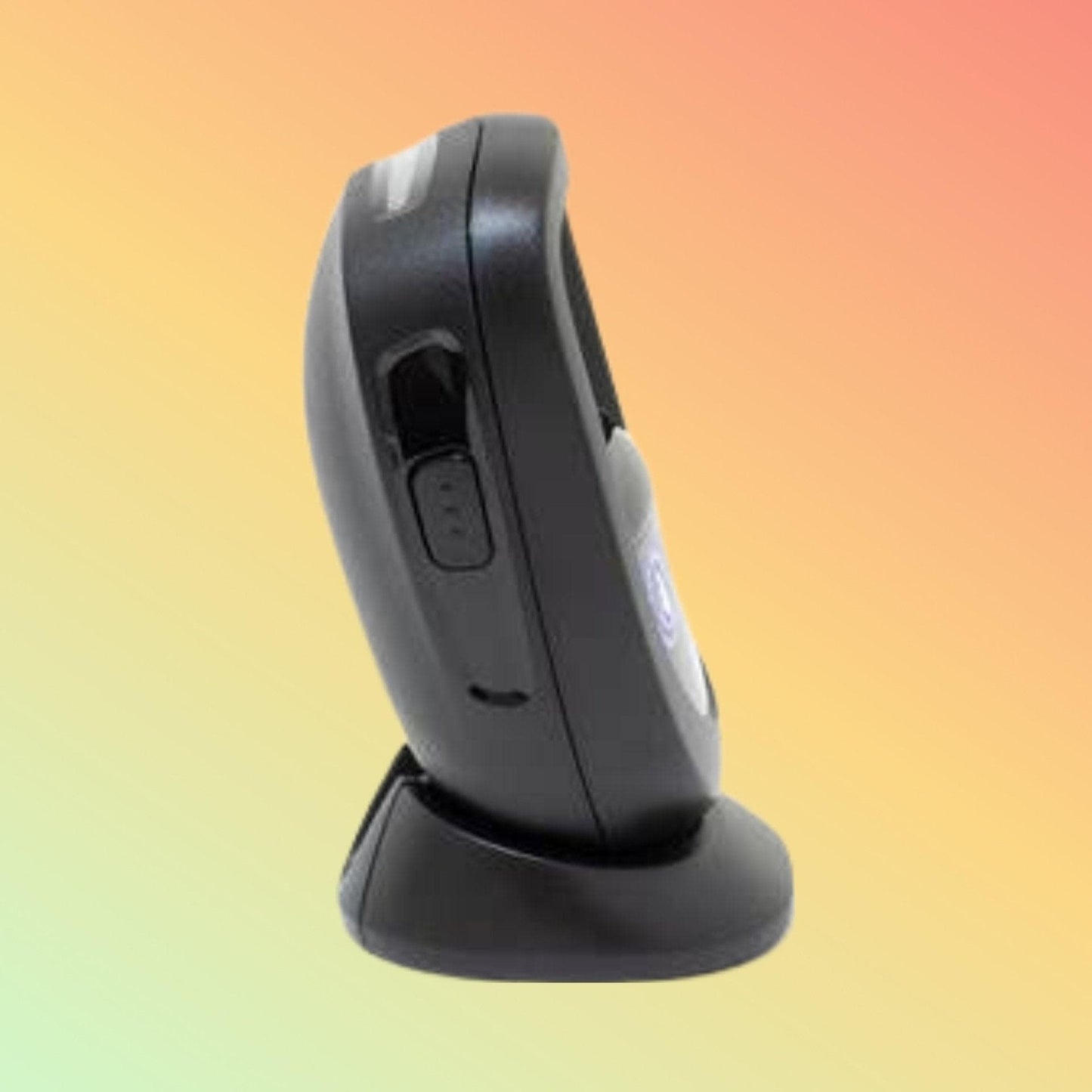
One of the defining characteristics of the DS9308 is its relatively small countertop footprint.
Manufacturer dimensions are approximately:
Height: 14.5 cm
Width: 8.6 cm
Depth: 8.3 cm
Weight: Approximately 318 g
The compact design can be useful at counters where the scanner must coexist with equipment such as:
- POS terminals
- Receipt printers
- Payment terminals
- Customer displays
- Cash drawers
- Other checkout equipment
Adjustable Scanning Position
The DS9308's design allows the scanner to be positioned according to the counter and scanning workflow.
The objective is to place the scanning area where products or codes can be presented naturally rather than forcing the operator into an inconvenient scanning position.
For permanent installations, Zebra also offers mounting accessories for compatible configurations.
Host Interface Options
The DS9308 platform supports host interfaces including:
- USB
- RS-232
- Keyboard Wedge
- TGCS (IBM) 46XX over RS485
The exact cable/interface supplied with a particular DS9308 SKU should always be confirmed.
Do not assume that purchasing the scanner body automatically includes every cable or interface accessory.
USB Connectivity
For many modern POS and computer installations, USB provides a straightforward host connection.
Zebra identifies the DS9308 as USB 2.0 Full Speed compliant.
The exact USB cable, host configuration and required communication mode should still be confirmed for the intended system.
Barcode Reading from Challenging Surfaces
Barcode scanner performance can be affected by reflections from glossy surfaces and electronic screens.
The DS9300 Series incorporates a curved exit window designed to help reduce stray light and reflections.
This is particularly relevant where barcodes may be presented on:
- Glossy product packaging
- Laminated materials
- Smartphone screens
- Other reflective surfaces
No scanner should be assumed to read every barcode under every condition, so unusual media should be tested.
IP52 Environmental Sealing
Zebra specifies the DS9300 Series at:
IP52
This provides a defined level of protection against environmental exposure under the applicable IP test conditions.
IP52 should not be described as waterproof.
The scanner should still be installed and used according to Zebra's environmental specifications.
Drop and Tumble Specifications
Zebra specifies the DS9300 Series as designed to withstand:
Multiple 1.5 m / 5 ft drops to concrete
and
1,000 tumbles in a 0.5 m / 1.5 ft tumbler
These are manufacturer test specifications and should not be interpreted as meaning the scanner is indestructible.
Zebra DataCapture DNA
The DS9308 is supported by Zebra's DataCapture DNA software ecosystem.
Depending on the deployment and supported environment, Zebra tools can assist with scanner:
- Configuration
- Staging
- Management
- Application development
- Performance analysis
- Troubleshooting
Examples within Zebra's scanner ecosystem include 123Scan, Scanner SDK and scanner-management capabilities.
This can be particularly useful for organisations deploying multiple Zebra scanners rather than managing each device independently.
Intelligent Document Capture
The DS9300 Series also supports Zebra Intelligent Document Capture functionality.
It can be used to capture images of compatible documents up to approximately A6 size, subject to the application and configuration.
This is an additional imaging capability and should not be confused with the functionality of a dedicated high-resolution document scanner.
Technical Specifications
Brand: Zebra Technologies
Model: DS9308
Series: DS9300 Series
Scanner Type: Corded Hands-Free / Presentation Imager
Barcode Capability: 1D and 2D
Image Sensor: 1280 × 800 pixels
Scan Range: Standard Range
Field of View: 52° horizontal × 33° vertical nominal
Presentation Swipe Speed: Up to 305 cm / 120 in. per second for 13 mil UPC in optimized mode
Minimum Print Contrast: 15%
Skew Tolerance: ±60°
Pitch Tolerance: ±60°
Roll Tolerance: 360°
Host Interfaces: USB, RS-232, Keyboard Wedge, TGCS (IBM) 46XX over RS485
Keyboard Support: More than 90 international keyboards
User Indicators: Decode LEDs, rear-view LEDs and adjustable beeper
Colors: Midnight Black and Alpine White configurations
Dimensions: Approximately 14.5 × 8.6 × 8.3 cm
Weight: Approximately 318 g
Environmental Sealing: IP52
Drop Specification: Multiple 1.5 m / 5 ft drops to concrete
Tumble Specification: 1,000 tumbles in a 0.5 m / 1.5 ft tumbler
Operating Temperature: 0°C to 50°C
Storage Temperature: -40°C to 70°C
Operating Humidity: 5% to 95% RH, non-condensing
Ambient Light Immunity: Up to 107,700 lux according to Zebra specification
Input Voltage: 4.5 to 5.5 VDC, host powered or external supply depending on configuration
Exact configuration, interface cable, colour and SKU should be confirmed before ordering.
Typical Decode Ranges
Barcode reading distance varies according to symbology, density, print quality and environmental conditions.
Examples from Zebra's published DS9300 Series specifications include:
13 mil UPC: up to approximately 22.4 cm
20 mil QR Code: up to approximately 19.1 cm
10 mil Data Matrix: up to approximately 11.4 cm
5 mil Code 128: up to approximately 10.2 cm
These are typical manufacturer test values, not guaranteed distances for every barcode.
Purpose of Use
The Zebra DS9308 is primarily intended for fast, convenient barcode data capture at fixed or semi-fixed scanning positions.
Its presentation format can reduce the need to repeatedly pick up and aim a conventional handheld scanner during routine transactions.
Potential Applications
The DS9308 may be considered for:
- Retail point of sale
- Convenience stores
- Pharmacy counters
- Quick-service environments
- Hospitality POS
- Ticket scanning
- Mobile coupon scanning
- Loyalty applications
- Reception counters
- Customer-facing service points
- Transportation ticket processing
- Compatible self-service installations
Application suitability depends on the exact barcode, host system and workflow.
Retail & Point-of-Sale Scanning
At a checkout counter, the DS9308 can support scanning of compatible:
- Product barcodes
- QR codes
- Mobile coupons
- Loyalty codes
- Digital membership codes
Its compact form factor is particularly relevant where available counter space is limited.
Hospitality & Ticketing
Presentation scanning may also suit environments where customers present tickets or digital codes.
Potential workflows include:
- Hospitality point of sale
- Concession counters
- Paper ticket scanning
- Mobile ticket scanning
- Customer check-in workflows
The scanner captures the barcode information; the connected application determines whether a ticket, transaction or customer record is valid.
Who Should Consider the Zebra DS9308?
The DS9308 may be worth considering when:
- Hands-free presentation scanning is preferred
- Counter space is limited
- Both 1D and 2D codes need to be captured
- Mobile-screen barcode scanning is required
- A corded scanner is appropriate
- Zebra scanner-management tools are useful
- IP52 protection is sufficient for the environment
- Standard-range scanning meets the application requirement
Who May Need Another Scanner?
Another scanner category may be more appropriate when:
- Cordless Bluetooth operation is required
- Operators need to walk around while scanning
- Long-range warehouse scanning is required
- A rugged industrial handheld scanner is necessary
- Higher environmental sealing is required
- Direct Part Mark reading is a primary requirement
- Fixed industrial machine integration is required
- Healthcare-specific housing/disinfectant requirements apply
The DS9308 is primarily a compact presentation scanner, not a universal replacement for every barcode scanner type.
Things to Verify Before Ordering
Please confirm:
- Exact Zebra DS9308 part number
- Black or white requirement
- Required host interface
- Required cable
- POS/computer system
- Operating system
- Required barcode symbologies
- Printed or screen-based barcodes
- Typical barcode size
- Required reading distance
- Mounting requirement
- Checkpoint EAS requirement, if applicable
- Application/software compatibility
- Quantity
The exact Zebra SKU is important, because configuration and supplied accessories can differ.
FAQ - Zebra DS9308
Q: What is the Zebra DS9308?
A: The Zebra DS9308 is a compact corded hands-free presentation barcode scanner from the Zebra DS9300 Series, designed to capture compatible 1D and 2D barcodes.
Q: Can the Zebra DS9308 scan QR codes?
A: Yes. Zebra lists QR Code and Micro QR among the supported 2D symbologies, together with Data Matrix, PDF417, Aztec and other formats.
Q: Can the DS9308 scan barcodes from a smartphone screen?
A: Yes, the DS9300 Series is designed to capture compatible barcodes displayed on mobile devices as well as printed barcodes. Actual performance depends on the code and display conditions.
Q: Is the Zebra DS9308 wireless?
A: No. The DS9308 is a corded scanner. Customers requiring mobile cordless operation should consider an appropriate Zebra cordless scanner instead.
Q: Does the DS9308 support USB?
A: Yes. USB is one of the supported host interfaces. Other supported interface options include RS-232, Keyboard Wedge and TGCS (IBM) 46XX over RS485. Confirm the exact SKU and cable required.
Q: Is the DS9308 waterproof?
A: It should not be described as waterproof. Zebra specifies IP52 environmental sealing.
Q: Is the Zebra DS9308 suitable for a checkout counter?
A: Yes, point-of-sale is one of Zebra's identified applications for the DS9300 Series. Its compact presentation design is particularly relevant where counter space is limited.
Q: Can the DS9308 operate as a handheld scanner?
A: The DS9308 supports both presentation/hands-free and triggered operation, allowing it to accommodate different scanning interactions.
Q: Does the DS9308 work with Zebra 123Scan?
A: Yes. The DS9300 Series is supported within Zebra's DataCapture DNA ecosystem, which includes 123Scan and other scanner configuration, development and management tools.
Q: Does every Zebra DS9308 include the same cable and configuration?
A: No assumption should be made from the model name alone. Exact part number, interface, colour, cable and required accessories should be confirmed before ordering.
Related Products
Zebra Presentation Barcode Scanners
Zebra 1D & 2D Barcode Scanners
Zebra Hands-Free Barcode Scanners
Zebra POS Barcode Scanners
Zebra QR Code Scanners
General-Purpose Barcode Scanners
Helpful Internal Links
NEOTECH® UAE
Why NEOTECH® UAE?
Choosing a Zebra scanner should begin with the application and exact Zebra configuration, not simply the model family.
For the DS9308, customers should consider barcode type, host interface, cable, scanning distance, counter layout, software environment and exact part number before ordering.
NEOTECH® encourages customers to verify these details so the selected Zebra configuration is appropriate for the intended workflow.
Learn First. Decide Second. Buy Only If It Is Right for Your Needs.
The NEOTECH® Learning Center is free and open to everyone. You do not need to be a NEOTECH® customer to access or benefit from our educational content. Learn at your own pace, explore the information freely, and make informed decisions based on your own needs. There is no obligation or pressure to purchase from NEOTECH®.
There is no obligation or pressure to purchase. Customers are encouraged to verify the exact Zebra part number, interface, cable, barcode requirements and host-system compatibility before ordering.
Delivery – UAE
Delivery available within UAE.
Delivery timing depends on destination and order confirmation.
Exact Zebra part number, configuration, accessories and availability should be confirmed at quotation/order stage.
Contact NEOTECH® UAE
Website: https://www.neotech.ae/
Email: support@neotech.ae
Address: Store 13, Computer Bldg, Al Fahidi, Bur Dubai, Dubai 44245, United Arab Emirates
Disclaimer - NEOTECH® UAE
Zebra, DS9308, DS9300 Series, PRZM Intelligent Imaging, DataCapture DNA and associated Zebra product names or technologies are trademarks or product identifiers of their respective owner.
Specifications on this page describe the Zebra DS9308 / DS9300 Series based on manufacturer technical information. Exact capabilities can depend on model configuration, part number, firmware, interface, software and accessories.
Typical barcode-reading distances and performance specifications are manufacturer test values and can vary according to barcode density, dimensions, print quality, contrast, media, ambient light and other operating conditions.
NEOTECH® is not claiming that every DS9308 configuration contains every interface, feature, accessory or optional capability described for the wider DS9300 Series. The exact Zebra SKU should be verified before ordering.
There is absolutely no obligation or pressure to proceed with the purchase with us.
Last Updated: 08 September 2026 (GST, UTC+4)