Zebra
Zebra ZD220 Desktop Barcode Label Printer USB 203dpi – NEOTECH® UAE
Zebra ZD220 Desktop Barcode Label Printer USB 203dpi – NEOTECH® UAE
Couldn't load pickup availability
Reliable Label Printing for Daily Business Operations
Overview
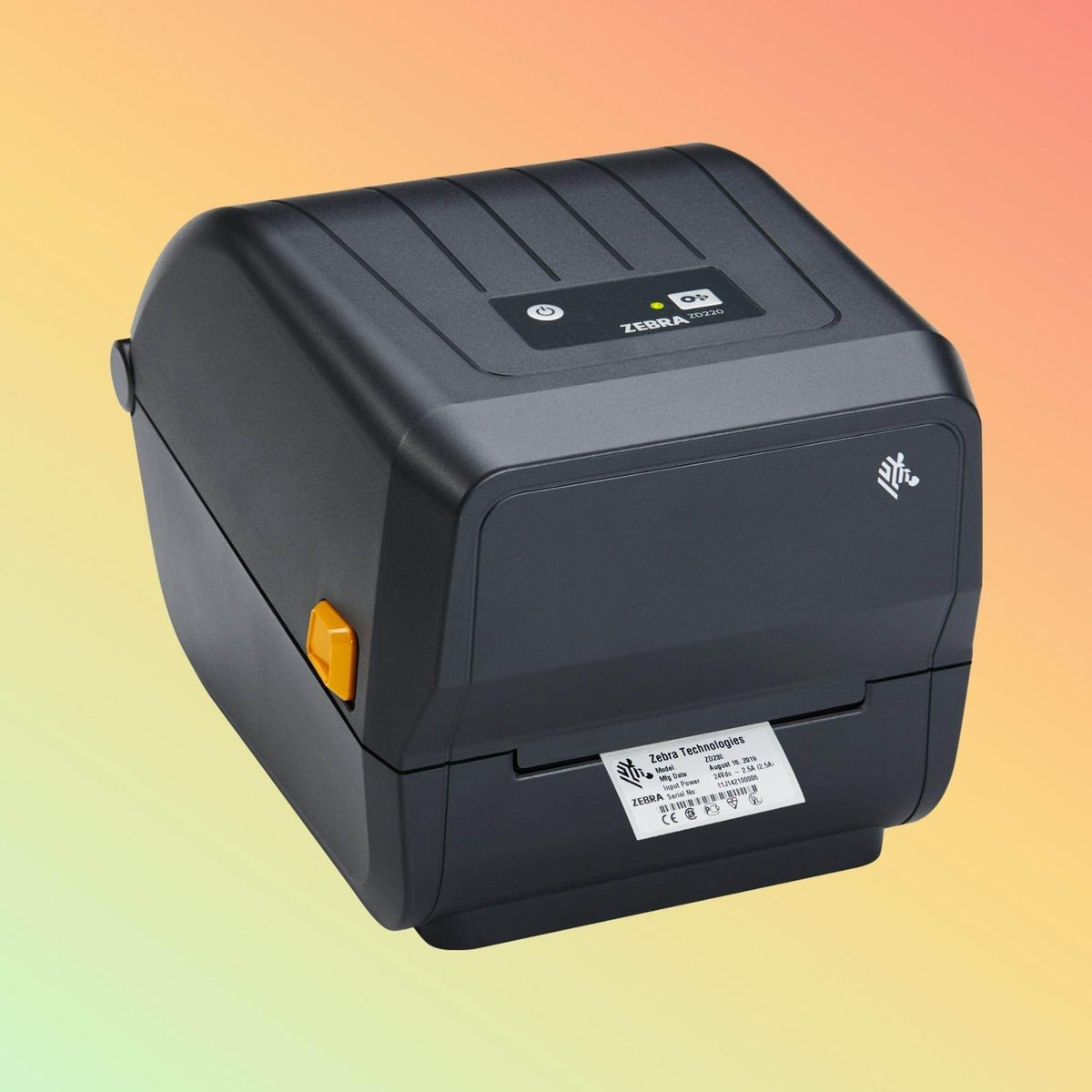
The Zebra ZD220 Desktop Barcode Label Printer is designed for businesses that require simple, dependable label printing for daily operations. It is commonly used in retail, logistics, healthcare, and light industrial environments where consistent output and easy operation are important.
This model supports both direct thermal and thermal transfer printing, allowing flexibility based on label type and usage requirements. It is often selected as a practical replacement for earlier desktop printer models.
Key Features
• Supports direct thermal and thermal transfer printing
• 203 dpi resolution for clear barcode and text output
• Print speed up to 4 inches per second
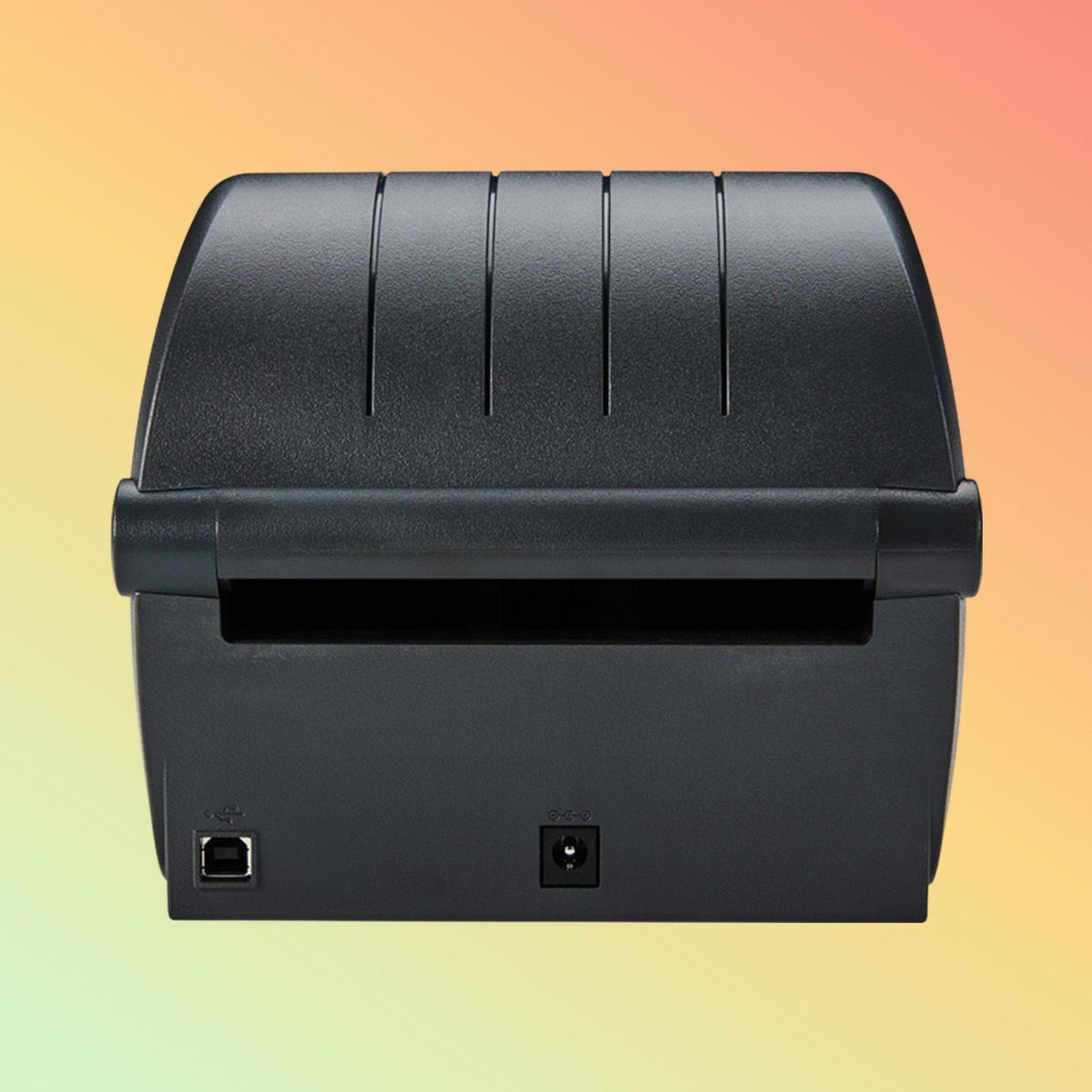
• USB connectivity (standard configuration)
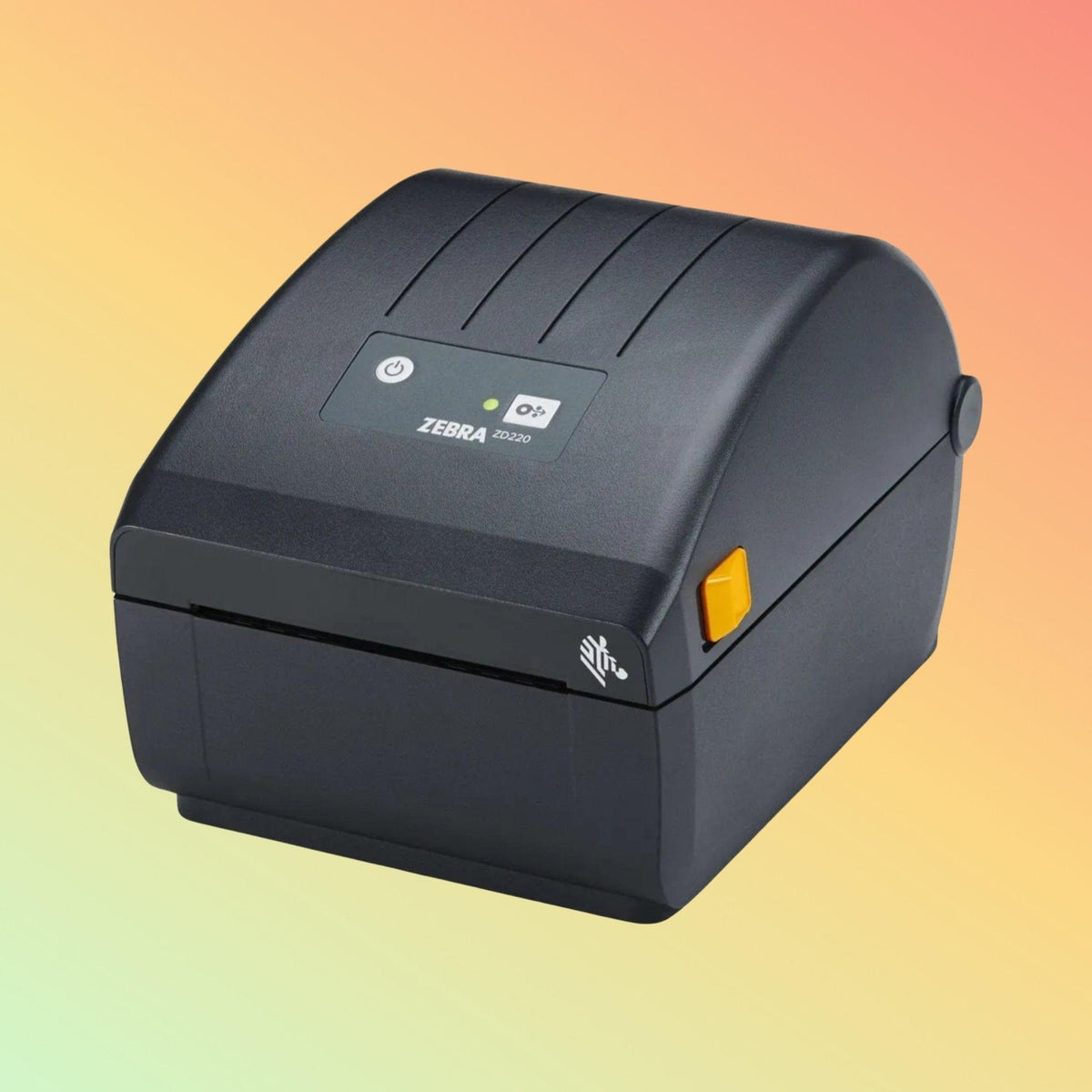
• Single-button interface with LED status indicator
• Compact desktop design for limited workspace
• Compatible with Zebra Print DNA software tools
• Dual-wall frame construction for durability
Technical Specifications
Print Method: Direct Thermal / Thermal Transfer
Resolution: 203 dpi (8 dots/mm)
Maximum Print Speed: Up to 4 inches per second
Maximum Print Width: 104 mm (4.09 inches)
Connectivity: USB (standard), Ethernet (optional depending on model)
Media Type: Roll-fed labels, tags
Media Width Range: Varies depending on configuration
Construction: Dual-wall frame
Applications
• Retail barcode labeling
• Shipping and logistics labels
• Inventory management
• Healthcare patient labeling
• Warehouse and stock control
Purpose of Use
The Zebra ZD220 is used for printing labels in environments where basic, reliable printing is required without complex setup. It is suitable for businesses that need a straightforward desktop printer for daily label generation.
Helpful Product Information
• This printer can print barcode labels and shipping labels
• It supports USB connection as standard
• It does not require ink (thermal printing technology)
• Ribbon is required only when using thermal transfer mode
• Label compatibility should be confirmed before purchase
Why Choose NEOTECH® UAE
✔ Transparent product specifications and communication
✔ UAE-based supply and technical support
✔ Experience with barcode, POS, and labeling systems
✔ Clear policies aligned with UAE consumer standards
✔ Business-focused supply for retail and logistics sectors
FAQ – Zebra ZD220 Barcode Label Printer
Q: Is the Zebra ZD220 suitable for barcode label printing?
A: Yes, it supports standard barcode label printing using thermal printing technology.
Q: Does this printer require ink or toner?
A: No, it uses thermal printing and does not require ink or toner.
Q: Can it print using ribbon?
A: Yes, when used in thermal transfer mode, ribbon is required.
Q: What connectivity options are available?
A: USB is standard. Ethernet may be available depending on the model configuration.
Q: Is it compatible with POS or inventory systems?
A: Yes, it can be integrated with most systems that support Zebra printer drivers. Compatibility should be verified before purchase.
Helpful Internal Links
Shipping Policy
https://neotech.ae/policies/shipping-policy
Returns Policy
https://neotech.ae/policies/refund-policy
Warranty & Repair
https://neotech.ae/pages/warranty-amp-repair-policy
Contact NEOTECH® UAE
Operated by NEOLYN TECHNOLOGY LLC
Bur Dubai, Dubai
United Arab Emirates
Email: support@neotech.ae
Disclaimer – NEOTECH® UAE
Product specifications, connectivity options, and included accessories may vary depending on supply batch or manufacturer updates. Images are for reference purposes only. Customers are advised to confirm compatibility, configuration, and requirements before purchase.
Last Updated: 23 April 2026 (GST, UTC+4)