Zebra
Zebra ZD220T Shipping Label Printer UAE | NEOTECH®
Zebra ZD220T Shipping Label Printer UAE | NEOTECH®
Couldn't load pickup availability
Compact desktop barcode printer designed for reliable product labeling, shipping labels, and inventory identification.
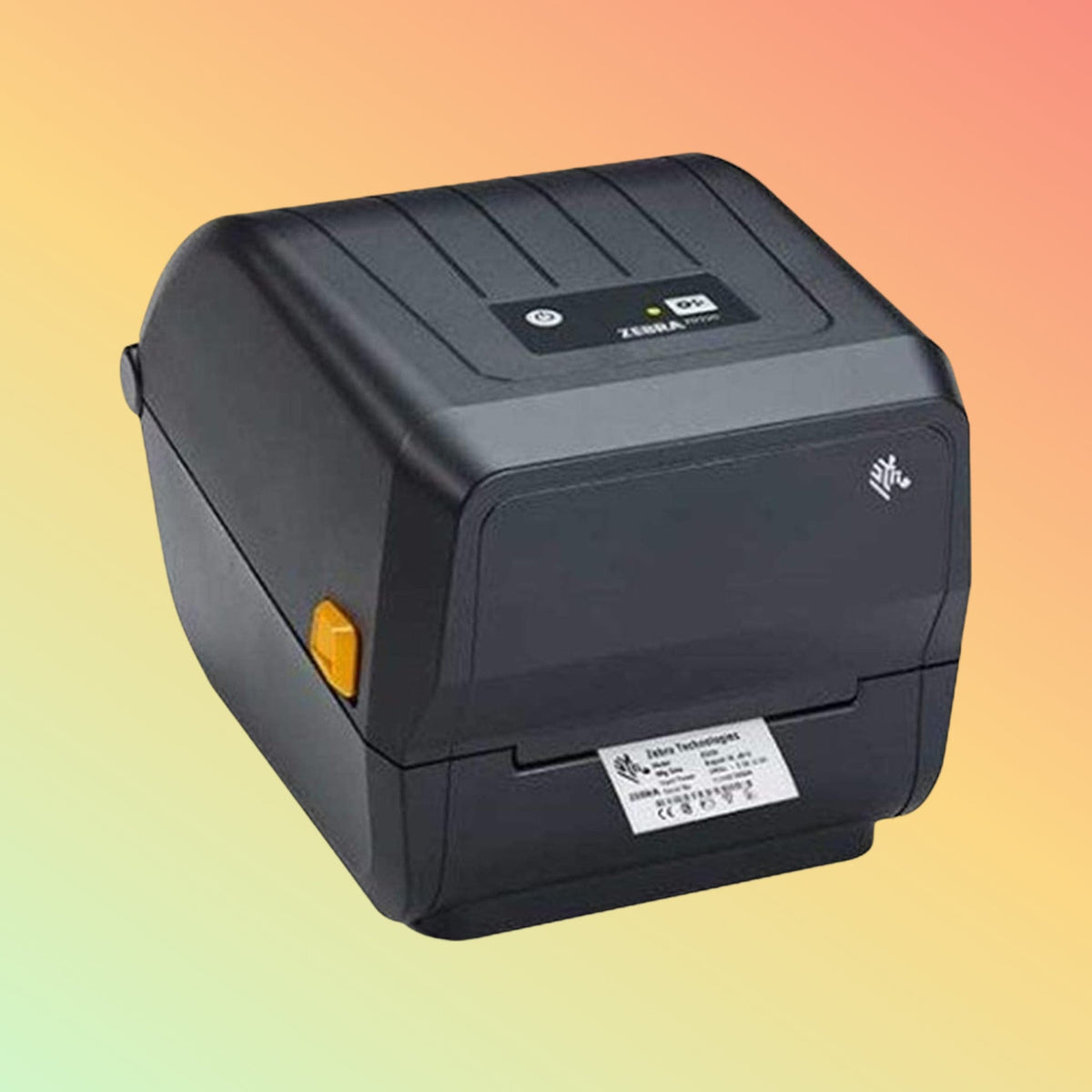
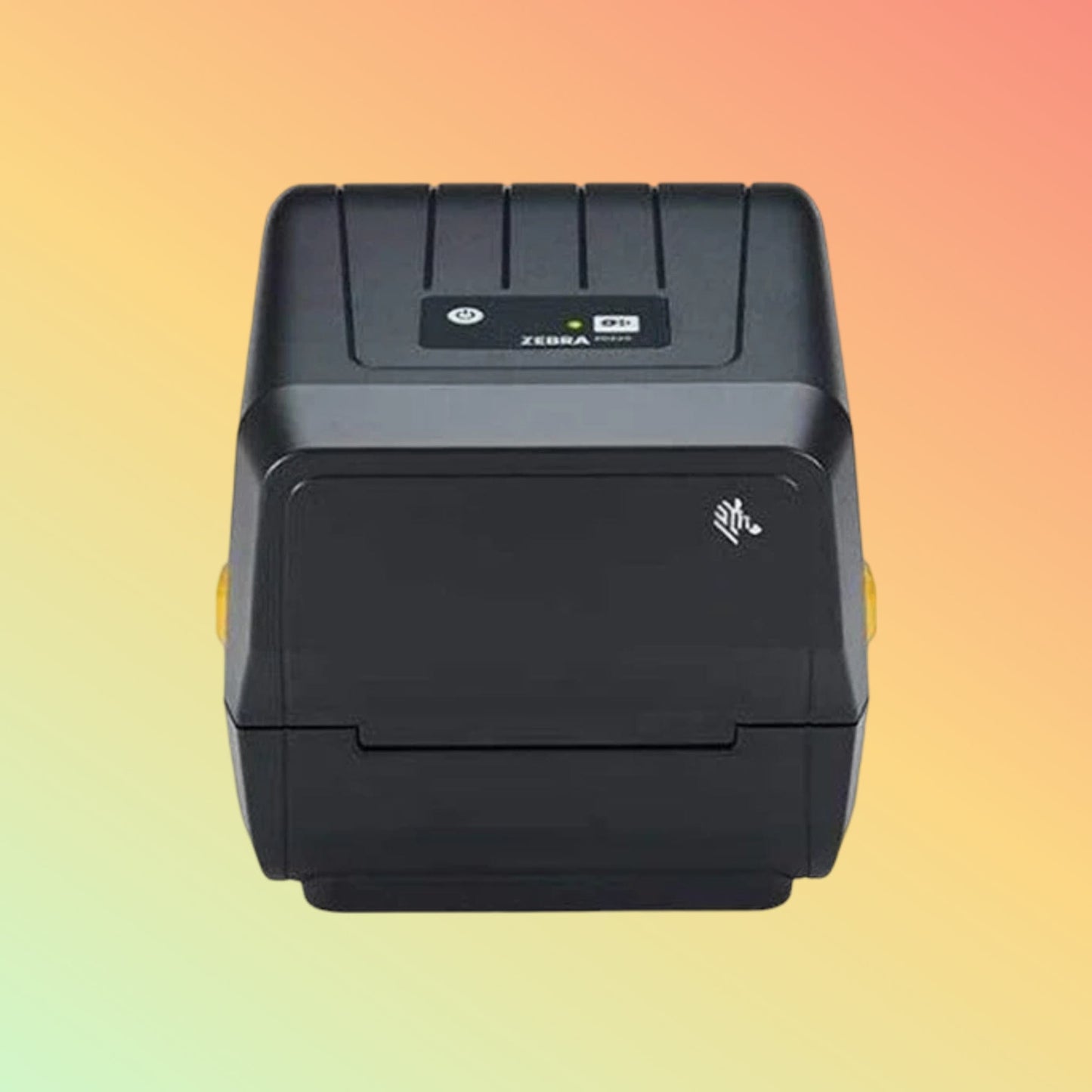
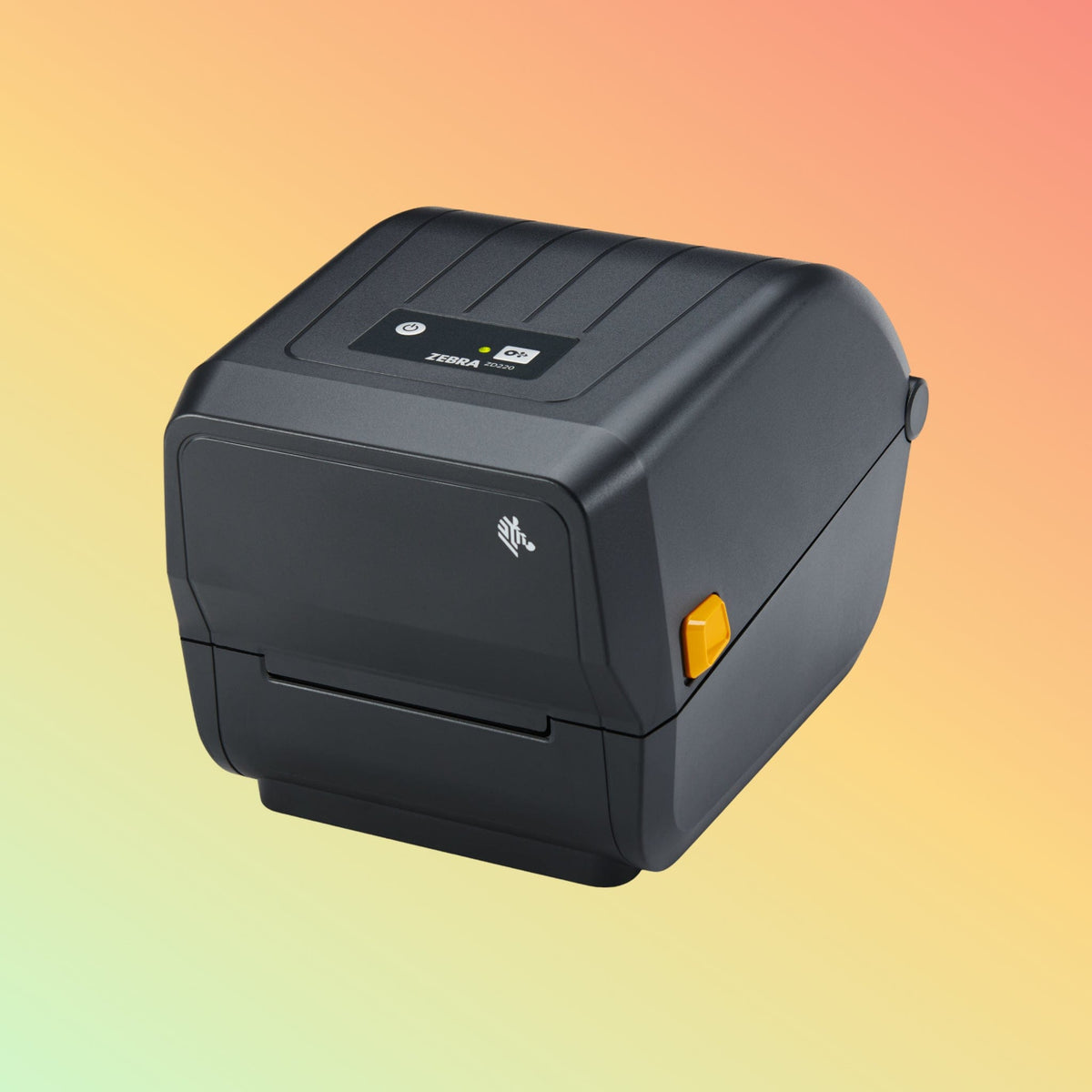
The Zebra ZD220T USB Barcode Printer is a compact desktop printer designed for consistent barcode and label printing in business environments. Using thermal transfer printing technology, the printer produces durable labels suitable for product identification, asset tracking, and shipping documentation.
The Zebra ZD220T is commonly used in retail, logistics, healthcare, and light manufacturing environments where reliable label printing is required.
Professional Highlights
✅ Thermal transfer printing for durable barcode labels
✅ 203 dpi resolution for clear barcode and text printing
✅ Compact desktop design suitable for small workspaces
✅ USB connectivity for simple installation
✅ ENERGY STAR® qualified energy efficiency
Product Description
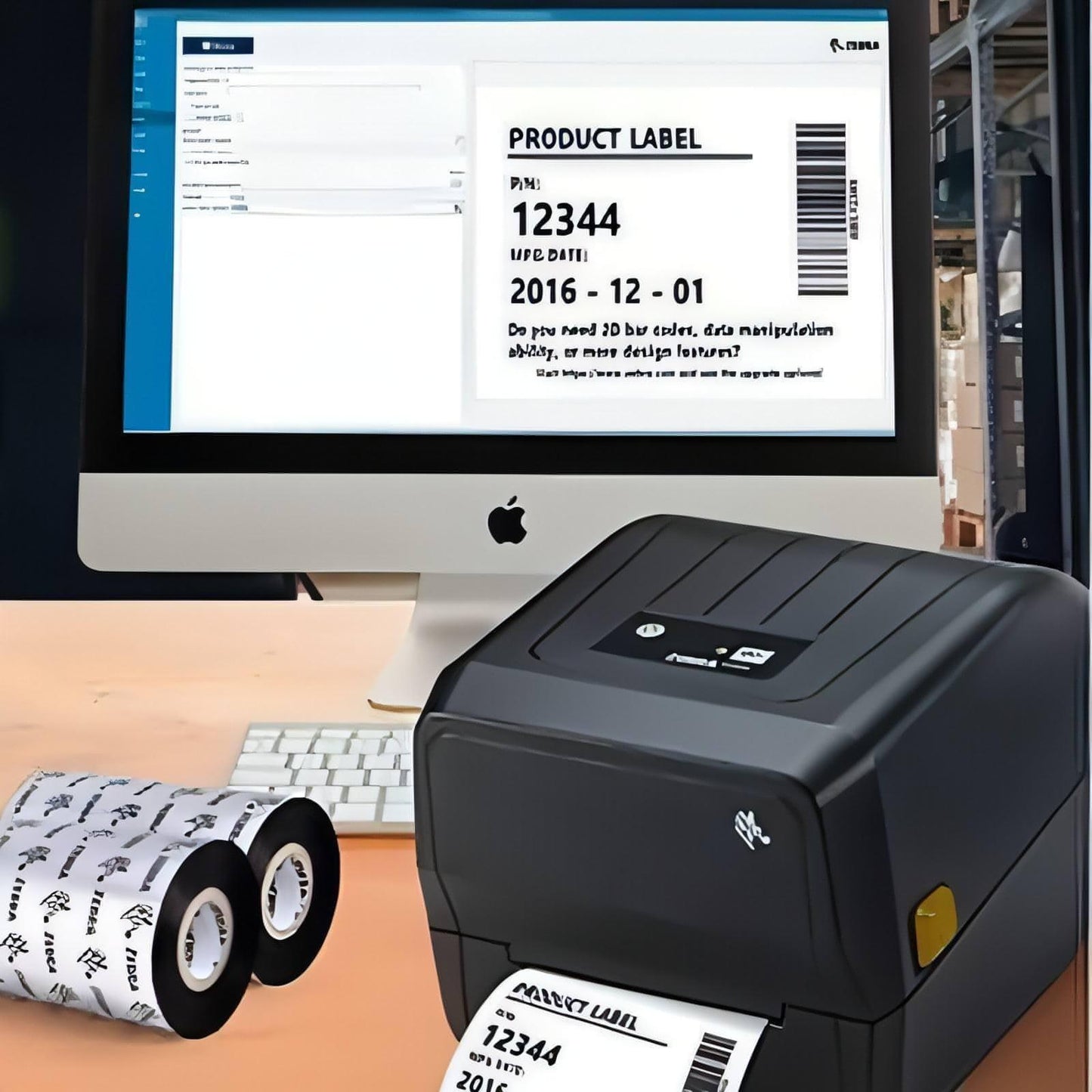
The Zebra ZD220T USB Thermal Transfer Printer provides dependable label printing for daily operational requirements. Thermal transfer printing uses a ribbon and label media to create labels that can remain readable longer when exposed to handling, storage, or transport conditions.
With 203 dpi print resolution and print speeds up to approximately 4 inches per second, the printer can produce clear barcode labels, product identification labels, and shipping labels.
Its compact footprint allows installation on desks, packing stations, retail counters, or warehouse workspaces where space is limited.
Technical Specifications
Printing Method: Thermal Transfer
Resolution: 203 dpi (8 dots/mm)
Print Speed: Up to 4 inches per second (102 mm/sec)
Maximum Print Width: 4.09 inches (104 mm)
Connectivity: USB
Dimensions: Approx. 10.5 × 7.75 × 7.5 inches
Weight: Approx. 2.5 lbs
Energy Efficiency: ENERGY STAR® qualified
Specifications may vary depending on manufacturer configuration.
Typical Applications
The Zebra ZD220T printer is commonly used for:
- Product barcode labels
- Shipping and logistics labels
- Inventory and asset identification labels
- Retail price labeling
- Healthcare specimen labeling
Purpose of Use
The Zebra ZD220T barcode printer is designed for businesses that require reliable label printing for product identification, inventory management, and shipping operations. Thermal transfer printing allows labels to remain readable for longer periods compared with direct thermal labels.
How to Use
- Place the printer on a stable work surface.
- Connect the printer to a computer using the USB cable.
- Load compatible label media and thermal transfer ribbon.
- Install Zebra printer drivers or labeling software.
- Configure label settings through the software.
- Print labels as required.
Supported Systems & Industries
Operating Systems
Compatible with Windows-based labeling software. Compatibility with other systems may depend on the software used.
Industries
- Retail
- Logistics and warehousing
- Healthcare
- Manufacturing
- Distribution
Delivery Information (UAE)
Service Area: United Arab Emirates
Order Cutoff: 2:00 PM GST
Handling Time: 1–2 business days
Transit Time: 3–5 business days
Estimated Delivery Time: 4–7 business days
International customers may arrange forwarder collection from Dubai if required.
FAQ - Zebra Thermal Transfer Barcode Printer
Q: What is the difference between Zebra ZD220 and ZD220T printers?
A: The ZD220 uses direct thermal printing, while the ZD220T uses thermal transfer printing with ribbon, producing more durable labels.
Q: Does the Zebra ZD220T require ink or toner?
A: No. The printer uses thermal transfer ribbon and label media instead of ink or toner.
Q: What labels can the Zebra ZD220T print?
A: The printer supports barcode labels used for product identification, shipping labels, asset tags, and inventory labels.
Contact NEOTECH® UAE
For product inquiries or compatibility assistance:
Email: support@neotech.ae
WhatsApp: +971 50 739 1234
Disclaimer - NEOTECH® UAE
Product specifications, compatibility, and availability may change based on manufacturer updates. Product images are provided for reference and may differ from the actual product supplied. Customers should verify technical compatibility before purchase.
Last Updated: 6 March 2026